When a post goes out on five networks and fails on the sixth
Partial failure is the normal case for a multi-network scheduler. How Clienzo makes it visible, and why it lets you retry only the network that failed.
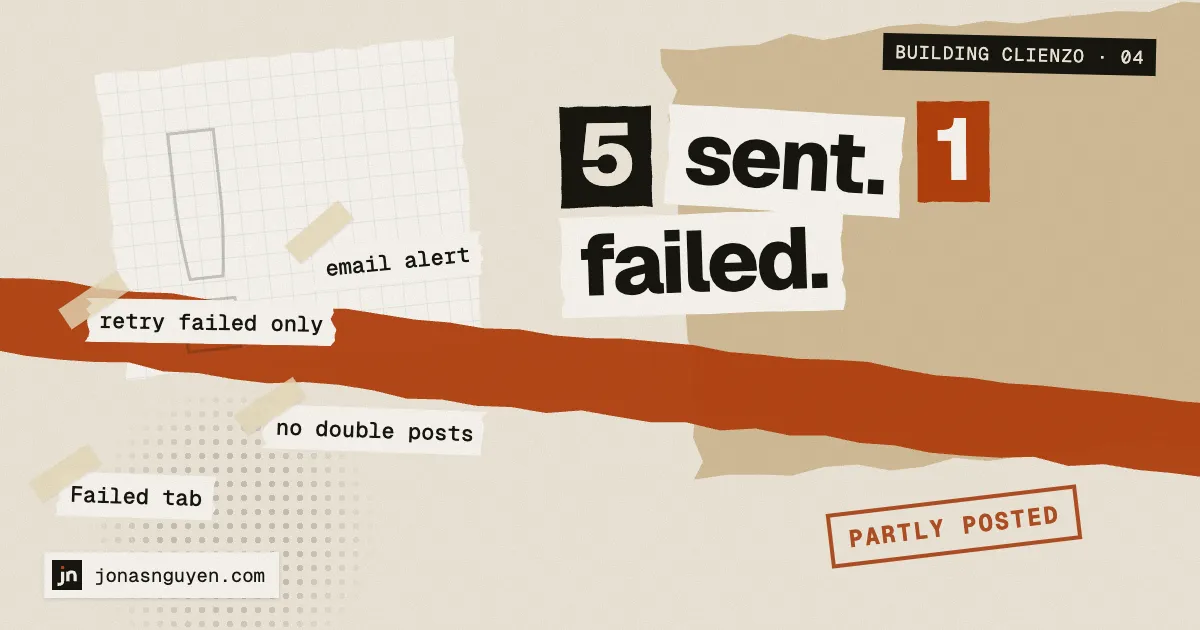
When you post to six networks at once, “it worked” and “it failed” are the rare cases. The common one is: it worked on five, and one network said no.
Maybe a token expired. Maybe the caption was too long for that one network. Maybe the network was having a bad minute.
The problem: it looked like success
In early versions of Clienzo, such a post was marked Published, because most of it was. The one failure sat inside it, visible only if you opened that post. People did not open it. Why would they? It said Published.
Making partial failure visible
So a post that did not go out everywhere now gets flagged as needing attention:
- it appears in the Failed tab, even though part of it was published,
- the Posts menu shows a badge until you deal with it,
- you get an email (at most one every 15 minutes, so a bad hour does not flood your inbox),
- and the banner says it plainly: this post did not go out everywhere.
Once you have looked at it, Mark as handled clears it.
Retry only what failed
The obvious fix — “post it again” — is wrong, because it would post again on the five networks that already worked.
Clienzo offers two options instead:
- Retry failed sends the same post again to only the failed accounts. It works because publishing already skips networks with a successful result.
- Edit & post failed makes a new draft containing only the failed accounts, for when the content itself was the problem — say, a caption too long for one network.
One trap I nearly shipped: after a retry, the publish step re-created the analytics record for every account, which would have reset the numbers already measured for the five that went out first. Now it only creates records that do not exist yet.
Why there is no automatic retry
It is tempting to retry automatically. I decided not to. If a network times out but actually accepted the post, an automatic retry posts it twice — on your account, in public. A human pressing Retry after looking is slower, and much safer.
The one exception is a specific error from Threads that turned out to be temporary; that one is retried three times, a few seconds apart.
Next: analytics, and why Clienzo shows blanks instead of estimates.