One composer, sixteen networks: every network has its own rules
Write once, post everywhere sounds simple until you list what each network accepts. How Clienzo's composer handles caption limits, image counts and formats.
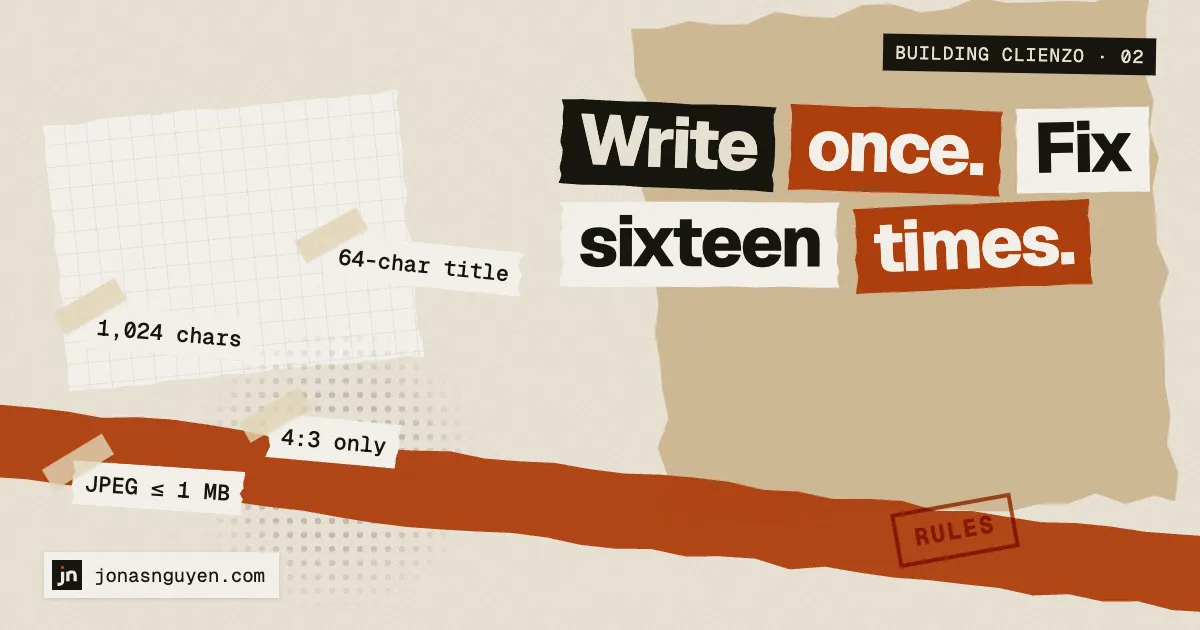
The pitch of every scheduler is “write once, post everywhere”. Building one, I learned it really means “write once, then satisfy sixteen different rulebooks”.
What the rulebooks look like
A few real examples from Clienzo’s networks:
- Telegram cuts a photo caption at 1,024 characters, while a plain text message can run to 4,096.
- Discord messages stop at 2,000 characters, with up to 10 files.
- Bluesky and Mastodon take up to four photos, or one video.
- Dribbble takes exactly one image per shot, at a 4:3 size, and the title — which Clienzo takes from the first line of your caption — has a 64-character limit. I found that limit the honest way: a real post came back with an error.
- Viber channels want each picture as a JPEG under 1 MB, one picture per message.
- YouTube and Dailymotion take a video, and need a title too.
None of this is unusual. It is just different everywhere, and it changes.
Rules live in one place
The first decision was to keep all of those limits in one shared set of post rules, used by the composer in the app, by the public API and by the publishing job. If the composer lets you schedule a post, the API would have accepted it too, and the publisher will not be surprised by it at 3 a.m.
When a network’s rule changes, it changes in one file.
Fix it for the network, not for the user
Some rules can be satisfied without asking you. Clienzo resizes an image to fit Dribbble’s 4:3 frame, re-encodes a picture as a JPEG for Viber, and turns hashtags into tags where a network has tags instead.
Others cannot be guessed: a caption that is too long for one network needs a human to shorten it. Those show up as a clear warning on that network only, before you schedule.
The preview matters more than anything clever
The feature I would keep if I had to drop everything else is the preview per network. It shows the post the way each network will get it: where the caption gets cut, how many images make it, and a note where links in captions are not clickable, as on Instagram and YouTube.
It is not glamorous. It is the thing that stops a post from going out wrong.
Next: what happens after you press Schedule, and how a post gets published at the right minute.